
Product Description
Separate overlapping dialogue.
Keep the performance.
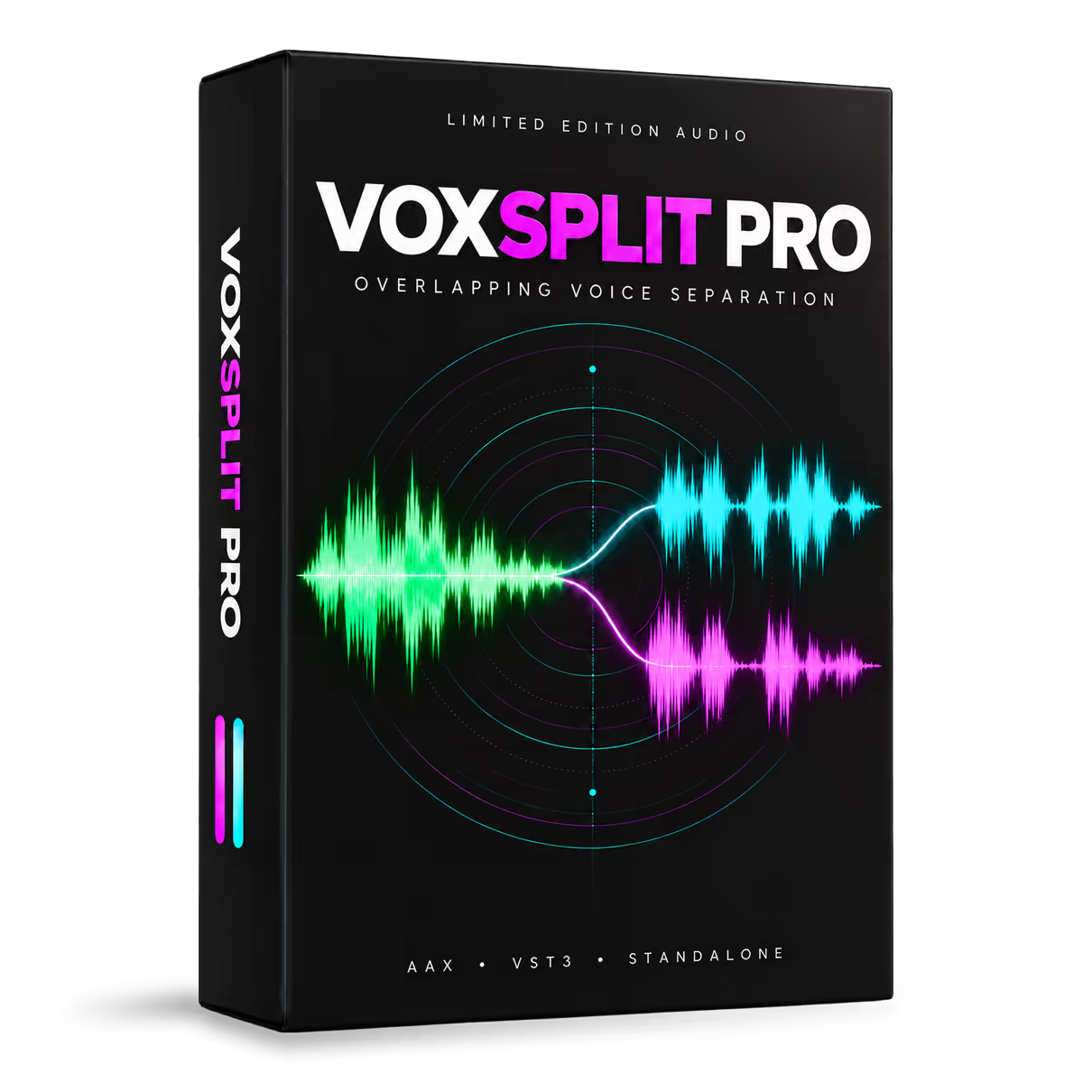
VoxSplit Pro separates two overlapping voices from a single recording and delivers them as two independently editable tracks.
It was created for a situation every dialogue editor knows: two actors speak at the same time, but only one performance needs ADR, editing or different processing. Instead of rebuilding the entire moment, VoxSplit Pro lets you work on each voice separately.
One recording. Two editable voices.
Separate the overlap into Voice A and Voice B. Edit, process or replace one performance while preserving the timing, delivery and intention of the other.
Built for real dialogue-editing problems
- Replace only one actor’s line when two performances overlap.
- Adjust the timing or processing of each voice independently.
- Reduce an intrusive background speaker.
- Rebalance voices recorded at different levels.
- Clean up and denoise difficult dialogue recordings.
- Recover more control from production sound that would otherwise require ADR or extensive reconstruction.
Three processing profiles
Standard, Precision and Rescue are three alternative approaches to the same material—not ascending quality levels.
Because every overlap is different, the intended workflow is simple: process the passage with each profile, compare the results by ear and keep the version that works best. The optional Presence control can restore additional high-frequency detail as a finishing step.
A straightforward professional workflow
AAX AudioSuite
Capture a selection in Pro Tools, process it offline, audition either separated voice and render the chosen result directly into the session.
VST3
Use VoxSplit Pro from a compatible VST3 host as part of your editing and restoration workflow.
Standalone application
Drag and drop an audio file, process it and export Voice A and Voice B separately as WAV, AIFF, FLAC or MP3.
Your audio stays on your Mac
All separation and denoising are performed locally. Your recordings are not uploaded to a cloud service for processing, making VoxSplit Pro suitable for confidential productions and material protected by non-disclosure agreements.
VoxSplit Pro works with performances that have already been recorded. It does not clone voices or generate new performances.
Full interface or Mini mode
Use the complete interface when comparing profiles and refining a result, or switch to the compact Mini mode for a faster, less intrusive workflow.
What to expect
VoxSplit Pro is optimised for recordings containing two principal voices. As with any source-separation process, the result depends on the recording, the amount of overlap and the acoustic complexity of the source.
- Results are not guaranteed with more than two simultaneous speakers.
- Passages shorter than approximately two seconds may produce inconsistent results.
- Complex stereo material may create artefacts; using a shorter selection or another processing profile will often help.
- On difficult material, Voice A and Voice B may be assigned differently by each profile.
- The first pass after launching the software takes longer while the processing engine loads. Subsequent passes are faster.
System requirements
macOS only — Apple Silicon and Intel
- Apple Silicon with macOS 14 or later.
- Apple Silicon with macOS 12.7 to 13.
- Apple Silicon with a host running under Rosetta, macOS 12.7 or later.
- Intel Mac with macOS 12.7 or later.
- Pro Tools 2023.3 or later for native Apple Silicon operation.
Installation and licensing
- Approximately 10 GB of free space required during installation.
- Approximately 3.3 GB installed.
- Protected by PACE iLok.
- 7-day fully functional trial available.
- Documentation in English, French, Spanish, Japanese, Russian and Simplified Chinese.
Hear what remains when the voices are separated.
Try VoxSplit Pro for seven days and evaluate it on your own dialogue recordings.
Please be advised that this product is subject to the End User License Agreement (EULA) of Limited Edition Audio.