Royalty-free - you can select the number of users on checkout
Product Description
Upgrade to Pro-Q4 from Pro-Q1, 2 or 3
About FabFilter Pro-Q 4
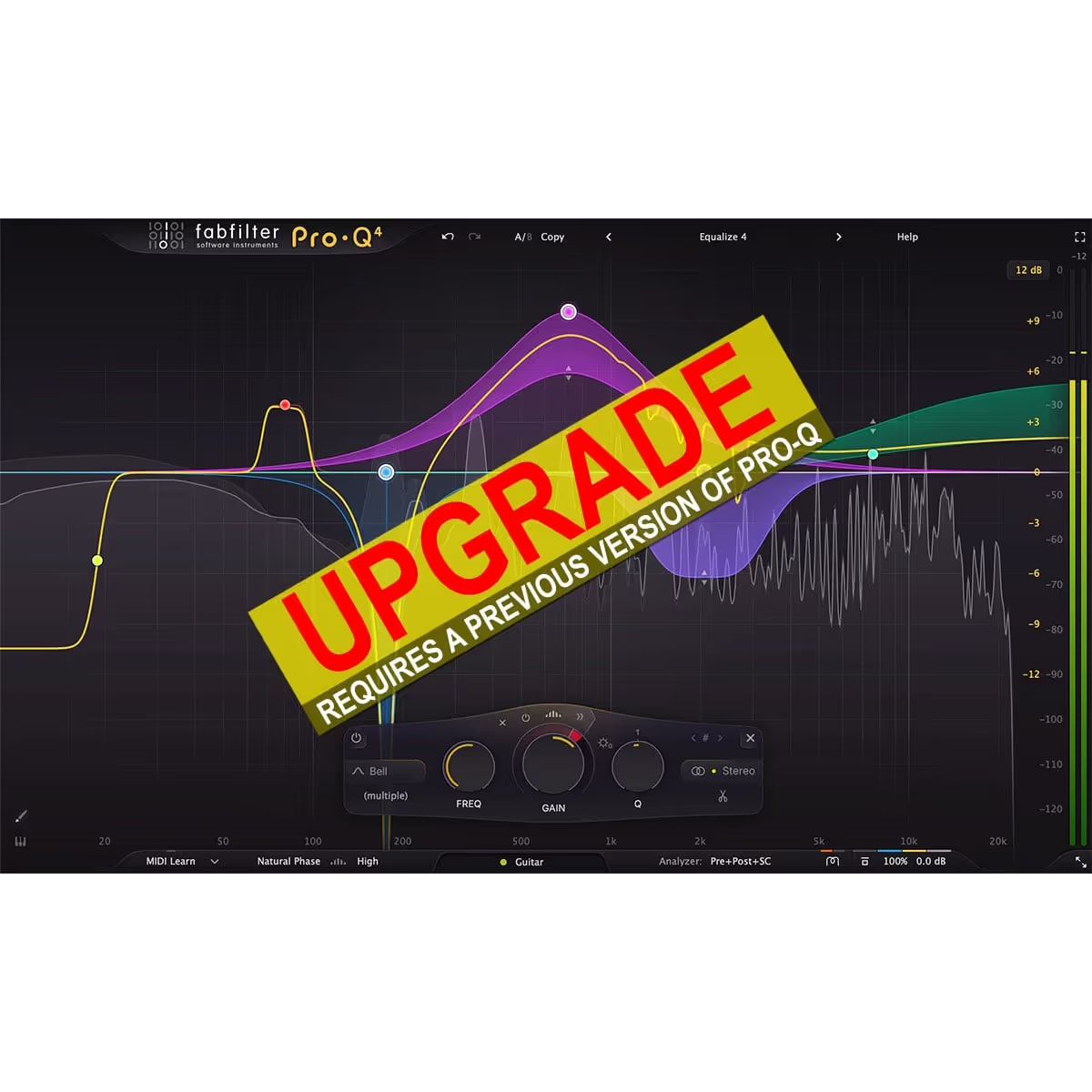
Since its original release in 2009, FabFilter Pro-Q has become the trusted workhorse EQ plug-in for many engineers and producers around the world, widely praised for its workflow, sound quality and feature set. With version 4, we’re bringing exciting new features to Pro-Q, introducing spectral dynamics, the instance list, EQ Sketch, vintage saturation and much more.
FabFilter Pro-Q 4 gives you the highest possible sound quality, a complete feature set, and a gorgeous, intelligent interface that is designed to help you get ‘that’ sound quickly and easily.
TUTORIAL
New in version 4
At first glance, FabFilter Pro-Q 4 looks quite similar to its predecessor. But looks are deceiving! Of course, the clean design and intelligence of Pro-Q 3 is still present, but a lot of exciting new functionality has been added to improve both sound and workflow:
Usability improvements and EQ Sketch. Wondered if you could ever just draw the curves you’d like? Now you can!
The new Instance list lets you control all instances in your session via a single plug-in interface.
Use Spectral dynamics to treat problem frequencies more precisely and efficiently.
Setup your mixes with one of the Character modes to add that analog, vintage feel.
The Dynamic EQ section has been improved, with Attack and Release settings, but also optional free side-chain filtering.
You can now choose to use fractional slope settings if you need to, e.g. a 3.5 dB/oct LP or HP filter.
Improved dynamic EQ processing for less distortion and cleaner sound.
Improved precision in linear phase processing.
New All Pass filter shape.
You can now copy and paste EQ bands or presets, also between instances or via the new instance list.
Improved analog matching in zero latency and natural phase mode.
You can change parameters directly via the value display in the EQ controller by dragging or with the mouse wheel.
Overall new and fresh design.
Many minor improvements.
Other key features And of course, all the goodness of the Pro-Q 3 is still here: highest possible sound quality, dynamic EQ, Natural and Linear Phase processing, universal slope support for all EQ shapes, EQ match, a gorgeous, resizable interface with full screen mode for easy and precise editing, up to 24 EQ bands, intelligent band solo mode, stereo or mid/side processing, intelligent multi-band selection and editing for maximum ease of use and efficiency, spectrum grab, GPU-powered graphics acceleration, double-click text entry of parameter values, different display ranges: 3 dB and 6 dB ranges for mastering, 12 dB and 30 dB for mixing, Pro Tools hardware control surfaces support, MIDI Learn, undo/redo and A/B comparison, and an extensive help file with interactive help hints.
Upgrading to Pro-Q 4 Upgrading from Pro-Q version 3 to the new Pro-Q 4 is safe and easy: installing Pro-Q 4 will not replace or delete the previous Pro-Q 3, 2 or version 1 plug-ins. All versions will co-exist and can be used at the same time. This ensures that you can open old sessions that use Pro-Q 3 without problems! Of course, FabFilter Pro-Q 4 can also read all presets from previous versions as well.
Windows requirements Windows 11, 10, 8, 7 or Vista 64-bit or 32-bit VST 2/3 or CLAP host, or Pro Tools
macOS requirements macOS 10.13 or higher (64-bit only) VST 2/3, AU or CLAP host, or Pro Tools Intel or Apple Silicon processor