
โฐ Last Chance To Save! Check out the deals ๐Ÿ‘‰ here

JD-XA Classic Analog for UVI Falcon

0,00 $
excl. VAT

Product Specifications

Licensor:
Master of Dreams
Categories:
Specs:
103 sounds • 16116 files • 24 Bit / 48 kHz • 5.8 GB • No metadata
Delivery:
Instant - blazingly-fast - digital download
License type:
Royalty-free - you can select the number of users on checkout

Product Description

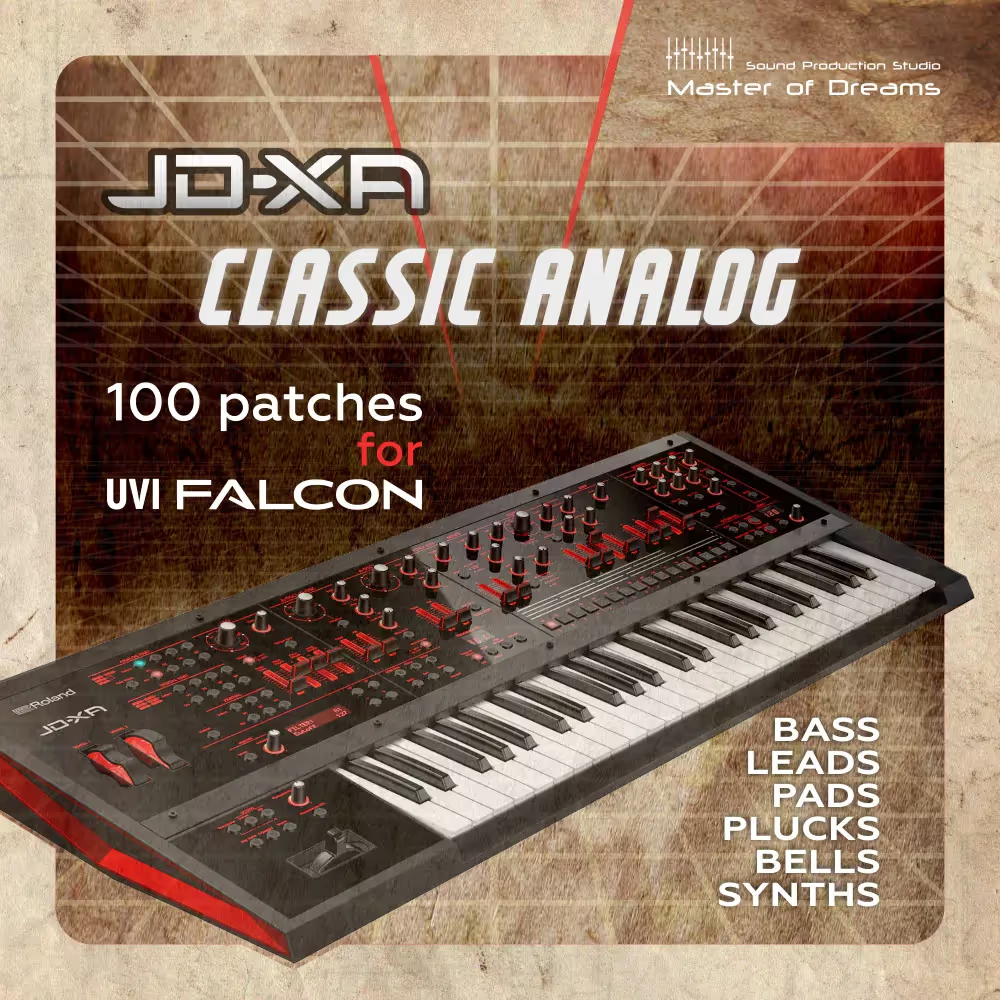
JD-XA Classic Analog for UVI Falcon is a carefully selected collection of samples from the Roland JD-XA hybrid analog/digital synthesizer, covering a wide range of sounds. This library of patches for UVI Falcon is a good choice for producers creating vintage-sounding tracks in styles such as Synthwave, Italo Disco, Spacesynth, Synthpop.

When creating modern electronic music, this library can be used to add analog warmth to the sound of your tracks.

The main elements of this library are sounds taken from the analog section of the Roland JD-XA hardware synthesizer, consisting of more than 16,000 samples, from which 103 programs are collected, sorted into the following categories: Bass, Pad, Lead, Pluck, Synth, Bell. There is also a part of the samples, which consists of the sounds of the digital section.

All patches have built-in UVI Falcon effects (FX in the EDIT tab) โ€“ Thorus (chorus), Delay and Reveb, which you can configure to suit your needs or disable.
For recording we used a Ferrofish Pulse 16 MX + RME Madiface USB audio interface, Wav format 192 kHz 24 bit, resampled to 48 kHz 24 bit.

Programs (patches) for UVI Falcon consist of samples of each note in the playable range.
There are programs consisting of several cyclic (Round Robin) layers, from 3 or more, usually these are sounds from the analog section of the Roland JD-XA.
To avoid the โ€œMachine Gunโ€ sound when repeating the same note in single-layer programs, the samples start playing at a random start time.
Many programs set the CC1 midi controller, the default modulation wheel, to vibrato, but some programs use this controller as a Chorus or Lo Pass Filter, so feel free to use this controller while playing.
Also, the Velocity parameter is most often assigned to a low-pass filter, and the lower this parameter, the more audible the operation of this filter.
Tools for editing โ€œJD-XA Classic Analog for UVI Falconโ€ patches are located in the EDIT tab of the UVI Falcon virtual instrument interface.
The drum sounds used in the demo file are taken from other libraries.

Full sound effects list for JD-XA Classic Analog for UVI Falcon


Note on Interface:
I have focused 100% of my time and effort on the sound quality and meticulous multi-sampling of the JD-XA hardware, rather than custom GUI design. As I am not a graphic interface developer, this library uses Falconโ€™s native โ€˜Editโ€™ and โ€˜Effectsโ€™ tabs for all adjustments. This provides you with transparent, direct access to the raw 24-bit samples and the full power of Falconโ€™s internal engine without any visual distractions.

Install:
Unpack the archive to a place convenient for you;
Open UVI Falcon, click on the folder in it in the upper right corner โ€œShow file browserโ€;
In the โ€œDevicesโ€ section, find the location where you copied the library;
Right-click on the โ€œJD-XA Classic Analog for UVI Falconโ€ folder and select โ€œAdd to Favorite Placesโ€ and it will be available in the โ€œLocationsโ€ section.
After copying the entire library to your computer, the โ€œJD-XA Classic Analog for UVI Falconโ€ folder should contain the following folders: Bass, Bell, Lead, Pad, Pluck, Synth.
Note: Requires UVI Falcon version 3.0.2 and higher.

JD-XA Classic Analog for UVI Falconโ€ will not work on a UVI Workstation.

For stable operation of โ€œJD-XA Classic Analog for UVI Falconโ€ it is recommended to install it on an SSD drive.
It is not recommended to rename folders and files from the JD-XA Classic Analog for UVI Falcon directory, or change their structure.
If you have been using โ€œJD-XA Classic Analog for UVI Falconโ€ for some time and for some reason moved its directory to another drive or folder, then when opening DAW projects that were created earlier, you will need to specify new directory location โ€œJD-XA Classic Analog for UVI Falconโ€ for all instances of Falcons loaded into the DAW project, so itโ€™s better not to move this directory unless necessary.

Windows Installation Note:
Important:ย Due to Windowsโ€™ defaultย 260-character path limit, please install this library into a folder with aย short pathย (e.g.,ย C:\SoundBanks\Master_of_Dreams\). Using long directory names or deeply nested subfolders may prevent UVI Falcon from loading samples correctly.

Product Details:

  • 5.8 GB of Content
    โ€ข 48kHz/24-Bit
    โ€ข 103 Patches for UVI Falcon
    โ€ข Total file size: 5.8 GB
  • Number of patches in sound categories โ€œJD-XA Classic Analog for UVI Falconโ€:
    โ€ข 16 Bass patches
    โ€ข 10 Bells patches
    โ€ข 24 Leads patches
    โ€ข 16 Pads patches
    โ€ข 16 Plucks patches
    โ€ข 21 Synth patches

ย 
Note on Compatibility:
This library contains exclusive patches that are not included in the โ€œJD-XA Library for UVI Falcon Bundle (Vol. 1-5)โ€. These two collections do not overlap in content and are designed to complement each other, expanding your sonic palette with even more unique JD-XA hardware sounds.